No Custom Adapter: AI SRE Agent AURA Debugs in Dash0
The platform shows you which service is failing and which paths it touches, and stops there. Point AURA at the same telemetry and the cause comes back too.
- Learn more about AURA → https://www.mezmo.com/aura
- Get started today → https://github.com/mezmo/aura
- Get deployment help→ https://www.mezmo.com/contact
Dash0 shows the product catalog service in a failed state across the selected window, with errors on the path from the frontend service.
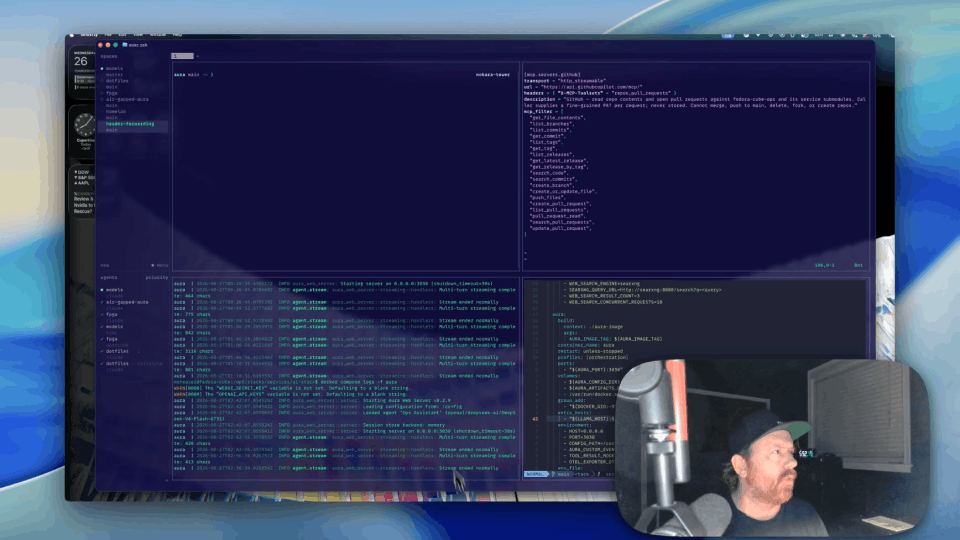
The configuration is two sections. The MCP section connects AURA to Dash0's hosted MCP server, with the endpoint and the token read from environment variables so no credentials sit in the config file. The system prompt restricts AURA to read-only operations, and the Dash0 token bounds what the MCP server will permit. The model section uses AURA's OpenAI-compatible provider pointed at Baseten's API endpoint, running a DeepSeek model.
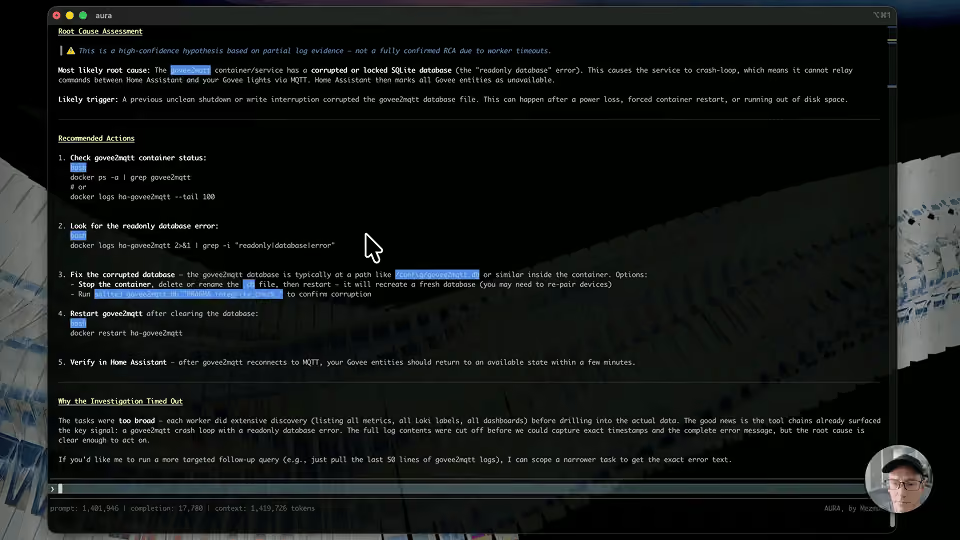
The prompt names the symptom area and supplies no root cause. AURA inspects the tools Dash0 exposes, works through the live telemetry, and returns an investigation report carrying the impact, the observed evidence, a likely cause, what remains uncertain, and next steps.
AURA reads and reports on this one. The system prompt holds it to read-only operations and the run ends with recommended next steps rather than an applied change.
No custom adapter was written for any of it. Dash0 exposed the live tools and the data through its hosted MCP server, Baseten handled the inference, and AURA coordinated the investigation. AURA is built for SREs who want the agent to run against the observability platform and the model provider they already have.
Chapters
0:00 What this demo shows
0:26 The product catalog failure in Dash0
0:51 Connecting AURA to the Dash0 MCP server
1:14 Pointing the model section at Baseten
1:26 Asking AURA to investigate
2:06 The report, and what the run proves
#AISREAgent #Dash0MCP #OpenTelemetry
Transcript
What this demo shows
0:00 Hi everyone, I'm Henry. This demo shows AURA investigating a live product catalog issue in Dash0's built-in OpenTelemetry Demo. Dash0 provides the telemetry and investigation tools through its hosted MCP server, while Baseten provides the model inference for AURA.
We will start where the issue is visible in Dash0. From there, I will show the AURA configuration before asking AURA to investigate through its CLI.
The product catalog failure in Dash0
0:26 Dash0 shows the productcatalogservice is critical. The service remains in a failed state across the selected window. The dependency map also shows errors on the path from the frontend service.
This is the starting point for the investigation. We can see the affected service and related paths, but we do not yet know the cause. For this demo, AURA will investigate the same telemetry through Dash0's hosted MCP server.
Connecting AURA to the Dash0 MCP server
0:51 Let's hop over to the AURA config. The MCP section connects AURA to Dash0. The endpoint and token come from the environment variables. So the configuration does not contain the credentials.
The system prompt tells AURA to use read-only operations. And the Dash0 token controls what the MCP server permits.
Pointing the model section at Baseten
1:14 The model section uses AURA's OpenAI-compatible provider with Baseten's API endpoint. And we use a DeepSeek model.
Asking AURA to investigate
1:26 In the AURA CLI, we'll ask AURA to investigate the current product catalog issues in Dash0. The prompt identifies the symptom area but does not supply a root cause.
Now watch AURA inspect Dash0's available tools and use the live telemetry to work through the issue.
The report, and what the run proves
2:06 AURA returned an investigation report containing the impact, observed evidence, likely cause, what remains uncertain, and next steps.
This was AURA using a third-party inference provider and a remote MCP without a custom adapter. Baseten handled the inference, Dash0 exposed the live tools and data, while AURA coordinated the investigation. Thanks for watching.
More videos