AI SRE Agent Monitors ClickHouse and Posts to Slack: AURA
Ingestion stops, and you start reading system tables by hand to find out why. This run checks disk, merges, and replication across every replica first.
- Learn more about AURA → https://www.mezmo.com/aura
- Get started today → https://github.com/mezmo/aura
- Get deployment help→ https://www.mezmo.com/contact
Ingestion stops, and you start reading system tables by hand to find out why. This run checks disk, merges, and replication across every replica first.
Learn more about AURA → https://www.mezmo.com/aura
Get started today → https://github.com/mezmo/aura
Get deployment help → https://www.mezmo.com/contact
Kwabena runs self-hosted ClickHouse clusters. In this walkthrough he points AURA at a multi-replica cluster in orchestration mode: an agent named ClickHouse Report Orchestrator, running on GPT-5.2, dispatches three parallel workers and a Slack reporter. A workload analyst reads query_log and system.processes, a storage analyst reads system.parts, system.part_log, system.merges, and system.mutations, and a replication analyst covers replication state. Because the cluster has multiple replicas, CLICKHOUSE_CLUSTER is injected into the prompt at load so the workers can issue clusterAllReplicas queries.
The full disk that opens the video is Kwabena's own past incident, traced by hand through the query log and system tables to ZooKeeper logs and dedupe hashes from async inserts and materialized view dedupes. AURA did not find it. What AURA returns in this run is no critical findings, warnings across ingestion, parts and merges, replication, and capacity, and a set of recommendations, with a trimmed version posted to Slack and the full context available in the terminal.
The same run is then automated. A Python job in a kind cluster pings AURA's OpenAI-compatible chat completions endpoint on a 10-minute interval, with the ClickHouse and Slack MCP servers deployed separately because the kind cluster cannot start them as dependencies. Kwabena closes by noting the report can go to any destination with an MCP server behind it, and that an alerting system such as PagerDuty could trigger the run instead of a schedule. Neither alternative is demonstrated here.
Every worker holds run_query-only permissions. They cannot drop anything and they cannot mutate data, so AURA reads the cluster, reports what it sees, and recommends. It does not act on the cluster. AURA is built for the engineer who runs their own ClickHouse and wants a recurring read of disk, merges, and replication without hand-querying system tables at 3 a.m.
0:00 A full disk that stopped ingestion
0:39 How the demo is wired up
1:14 Reading the report in Slack
1:49 The AURA orchestration config
2:41 Three read-only analyst workers
3:24 Querying across all replicas
3:47 Running the investigation from the CLI
4:57 Automating the run with a job in kind
6:04 Other destinations and alert-driven runs
#AURA #ClickHouse #AISRE
Transcript
A full disk that stopped ingestion
0:00 Hi, I manage self-hosted ClickHouse clusters. Over time, I've dealt with various issues, like when data ingestion into one of the clusters suddenly stopped. After digging through the query log and system tables, I finally traced the issue to a full disk. ZooKeeper logs and dedupe hashes from async inserts and materialized view dedupes had consumed all the available space.
If you manage ClickHouse, plan to set up one, or have your own wartime stories, you relate to this.
How the demo is wired up
0:39 Today's demo shows how to investigate these kinds of issues and monitor cluster health using AURA by Mezmo. Let's dig in.
Full disclosure, my ClickHouse cluster is running in a deployed environment, and I'm port forwarding to it here. In this terminal, I'm running a kind cluster that deploys a job which triggers AURA. Over here, I'm running the Slack MCP server on the host machine using Docker. It takes about one minute to warm up.
Reading the report in Slack
1:14 This is what it looks like in Slack. AURA's output is reported showing disk usage, replication signals, and a bunch of stuff that provides useful information to anyone who is looking.
With this information, I can figure out if the cluster is healthy or not. Green generally means it's healthy. Yellow, there are some issues that I probably need to address. The red, the cluster is in a bad state. For example, over here.
The AURA orchestration config
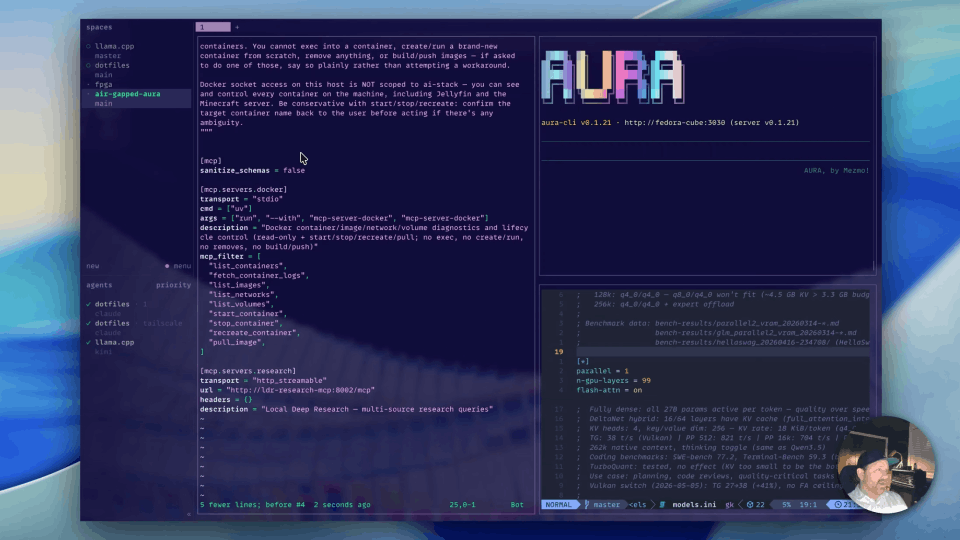
1:49 Back to the terminal, I'm going to show you my AURA configuration. So you can run AURA in either standalone or orchestration mode. I am using orchestration mode, and the config looks like this.
Up here, I define the agent and I've named it ClickHouse Report Orchestrator. It has a system prompt which includes information about dispatching three parallel workers and sending the report to Slack. I'm using GPT-5.2.
I've configured the ClickHouse MCP server with this environment. Everything is read from the environment. I'm also using the Slack MCP server here, which is talking to the server here.
Three read-only analyst workers
2:41 I'm running orchestration mode and have a bunch of workers. So I have a workload-analyst, which runs queries against the query_log and system.processes tables. Full table, all my workers have run_query-only permissions.
There is a storage-analyst, which looks at the system.parts, system.part_log, system.merges, and system.mutations tables. There's a replication-analyst that looks at replication-related issues.
As I mentioned, all the workers can only run queries. They can't drop anything. They can't mutate any data. And there's a slack-reporter that posts the message to Slack.
Querying across all replicas
3:24 I want to call out here that I'm running a multi-replica cluster, and I need to be able to run clusterAllReplicas. The ClickHouse MCP server doesn't expose the CLICKHOUSE_CLUSTER environment variable, so this gets injected here as part of the prompt when AURA loads up, to allow the workers to issue clusterAllReplicas commands.
Running the investigation from the CLI
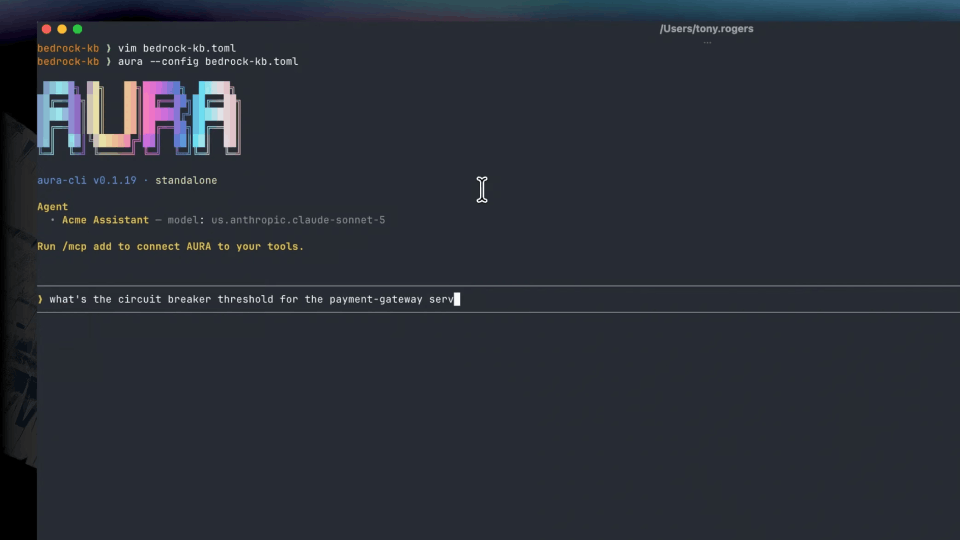
3:47 I'm going to source my env, and we're going to start the AURA CLI. As you see here, this is my agent, and these are the workers available to it. I just issued a command to investigate some issues with the cluster.
AURA is going to spin up parallel workers to run this investigation and provide a summarized result right here in the terminal, as well as post into Slack. As you see, the workers have started up. So there's a plan phase and three workers running, the workload-analyst, replication-analyst, and storage-analyst.
AURA is done. There are no critical findings. As you see here, the job called AURA with its time duration, it's every 10 minutes, and AURA produces these results. So these are the warnings. I should take note of the ingestion, parts and merges, replication and capacity, and some recommendations.
The report that I sent to Slack is a trimmed down version of this because I just want the high level information. But as you can see, AURA can be granular and provide the full context you need.
Automating the run with a job in kind
4:57 This is what the CLI looks like, and this is what we've automated by the cron job running in the kind cluster. So switching over to the kind cluster, I have AURA running here exposing the web server, so AURA has an OpenAI-compatible chat completions endpoint, which is what we're using.
This is a job, it's a Python script that is pinging AURA at some defined interval. I have the ClickHouse MCP server and the Slack MCP server also run as separate deployments, because in the kind cluster the dependencies AURA requires to start them independently are not available.
So coming back here, I'm going to show you just a sample of what the job looks like. As you see here, the AURA URL is just a chat completions endpoint I'm talking to AURA in this demo. I showed how to set up a job that is talking to the AURA web server and sends the reports to Slack.
Other destinations and alert-driven runs
6:04 It's important to know that the report can be sent anywhere via an MCP server if it's available. In addition, instead of setting up a job, having it run AURA to check if there are issues, you can also integrate AURA with some alerting system like PagerDuty via MCP so that when an alert is fired, AURA is instructed to go investigate the issue with the cluster.
Thank you very much for your time, and do check mezmo.com/aura for additional information regarding AURA. Thank you.
More videos