Add a human breakpoint to your AI SRE agent workflow
Reaching a tool and being allowed to use it are two separate lists in the config. Put the mutable Kubernetes tools on the second one and each call pauses.
- Learn more about AURA → https://www.mezmo.com/aura
- Get started today → https://github.com/mezmo/aura
- Get deployment help→ https://www.mezmo.com/contact
A walkthrough of human breakpoints: the mechanism that lets an agent read
freely while requiring a named human decision before it changes anything.
The config lists which Kubernetes MCP tools the agent can reach, then
separately lists the mutable ones that pause for approval. Because the root
is conversational, the approval surfaces in the attended session with the
exact tool name, pod, namespace, and arguments visible before anything runs.
The same pod deletion is then run twice: denied once, with a re-list proving
both original UIDs survive, and approved once, with a read-only call
confirming the replacement.
AURA is built for SREs and platform engineers who want an agent operating in
production without unsupervised write access to it.
0:00 What a human breakpoint is, and the agent's cluster tools
0:24 The MCP filter and the breakpoint list
0:47 Where the approval appears in an attended session
1:04 Demo: a read-only call runs uninterrupted
1:39 Denying a pods_delete call and verifying nothing changed
2:29 Approving the same call
3:05 Reads, denials, and approvals end to end
#HumanInTheLoop #AISREAgent #PlatformEngineering
Transcript
What a human breakpoint is, and the agent's cluster tools
0:00 Hi, I'm Henry. Today I'm going to show a human breakpoint in AURA. Let's hop over to the config.
This agent has access to a Kubernetes MCP server. It can inspect the cluster, but it also has real tools for actions like deleting a pod, running a command, updating a resource, or scaling a workload.
The MCP filter and the breakpoint list
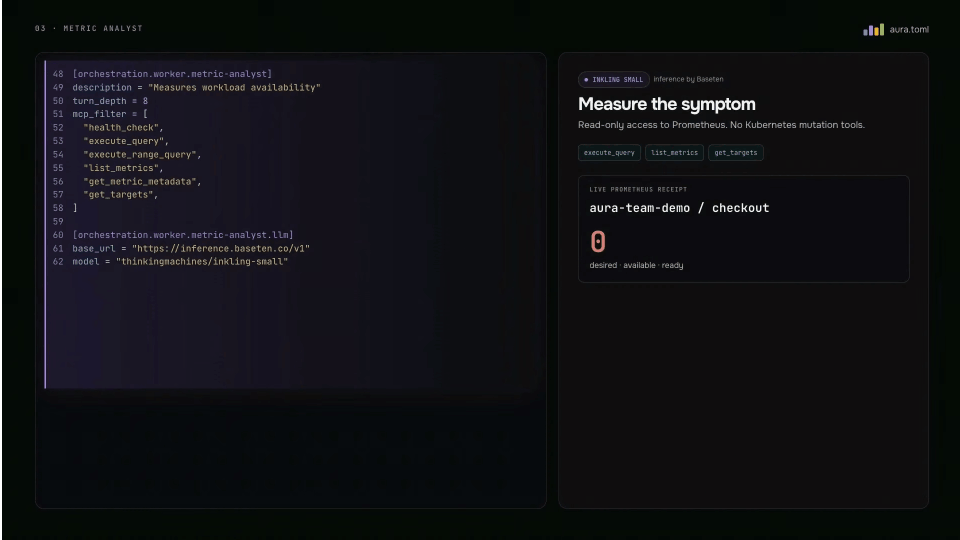
0:24 The tools available to this agent are explicitly listed here in the MCP filter. Some are read-only, and some can change the cluster.
This is the breakpoint. These are the exact mutable MCP tools that require a human decision before AURA will execute them.
Where the approval appears in an attended session
0:47 The root is conversational, so the approval appears directly in the attended AURA session. We will see the actual tool name and arguments, then choose whether that call is allowed to continue.
Demo: a read-only call runs uninterrupted
1:04 Let's switch over to the demo. First, I'll ask AURA to inspect the demo workload.
The agent can make this read-only call without interrupting us. We have two ready pods, and these are their current UIDs. Now I'll ask AURA to delete exactly one of them.
Denying a pods_delete call and verifying nothing changed
1:39 The agent inspects the target and then attempts the real pods_delete call, and here is the breakpoint. We can review the exact tool, pod name, namespace, and arguments before anything executes. I'll deny this one.
AURA returns the denial to the agent, and the delete does not run. When I ask AURA to relist the pods, we can see that both original UIDs are still present.
Approving the same call
2:29 Now I'll repeat the same request. We reach the same concrete pods_delete breakpoint. This time I'll approve it.
AURA releases the parked call to the Kubernetes MCP server. The pod is deleted, and the deployment creates a replacement. The agent verifies the result with a read-only call: one original UID remains and the other UID is new.
Reads, denials, and approvals end to end
3:05 That is a human breakpoint end-to-end. Reads continue normally, a denied mutation leaves the cluster unchanged, and an approved mutation executes the exact tool call we reviewed.
More videos