AURA Approval Workflow: Identity Forwarding to MCP Servers
Two engineers can hold the same approve button and still not be allowed to make the same change. The key riding with the approval settles it.
- Learn more about AURA → https://www.mezmo.com/aura
- Get started today → https://github.com/mezmo/aura
- Get deployment help→ https://www.mezmo.com/contact
AURA's human in the loop config gates the create_pipeline tool on the Mezmo MCP server and sends each request to a webhook for review. A mock UI stands in for the approval system here, and Mike walks through the payload schema so you can point it at your own.
The first run supplies a made-up key at the approval step. AURA records the approval, the call goes out with that key attached, and the Mezmo MCP server refuses it. The approval was real and the identity behind it was not accepted, which are two separate outcomes.
The second run uses a real key. The call goes through, and what reached the downstream service is Mike's own token rather than a shared agent credential, so the change is attributable to the person who released it.
This run uses one MCP server and one approver. Privileged-role setups, where different reviewers may approve different things, are described at 0:28 and 4:26 and are not demonstrated here.
AURA is built for SRE and platform teams who need agent actions tied to a named person without moving credentials into the agent's config.
0:00 Why an approval should carry the approver's identity
0:36 The Mezmo MCP config and the human in the loop block
1:03 The mock webhook receiver and its schema
1:30 Connecting the CLI to the AURA server
1:49 Listing pipeline tools and finding create_pipeline
2:19 Creating a pipeline that requires approval
2:52 Approving with a made-up key
3:23 The downstream service denies the call
3:38 Approving again with a real key
4:26 Permissions options and where to get AURA
#AURA #HumanInTheLoop #AISRE
Transcript
Why an approval should carry the approver's identity
0:00 My name is Mike, one of the creators of AURA. I think human in the loop is vitally important for SRE workflows, and I want your human in the loop approvals to be able to carry their identity to downstream services. This is why we added a feature for AURA human in the loop to forward those identity headers downstream, so that the approval is the role or the identity approving the action, as well as being forwarded to the downstream service. This is great for things like privileged roles as to who may or may not be able to approve things downstream, and it's also great for tracking.
The Mezmo MCP config and the human in the loop block
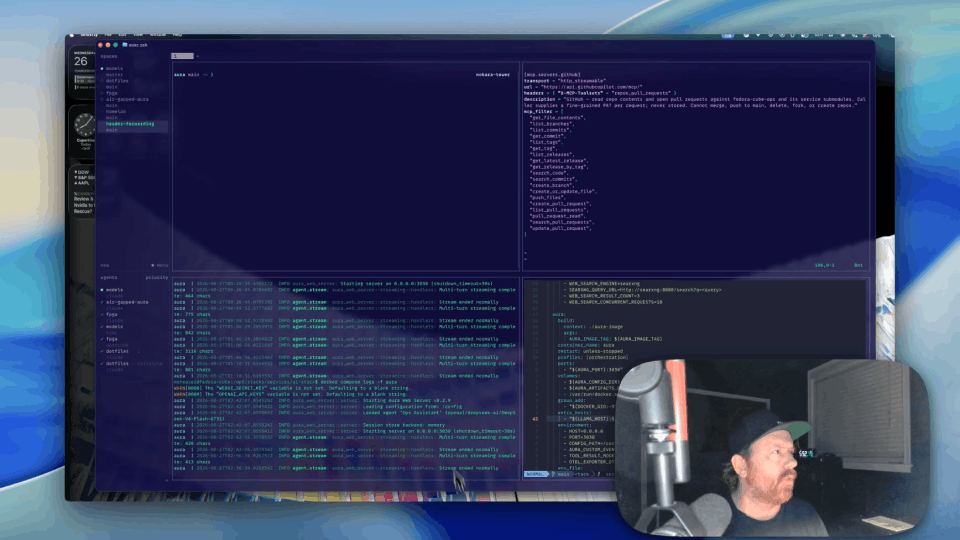
0:36 Today, we're actually diving into a config that points at our Mezmo MCP, which gives you great control over pipelines as well as some very strong RCA tools. So if you go ahead and take a look at the config here, you'll see that we have some human in the loop config. We're going to say that we need approval for creating a pipeline and we're going to get that approval via a webhook.
The mock webhook receiver and its schema
1:03 For today's purposes, we have a nice little mock UI that's going to be the receiver for the webhook, but the schema itself is actually pretty straightforward and it's very easy to integrate into another system. Feel free to drop into GitHub and check out mezmo/aura. There's links to the docs there. You can download, clone, check things out, and get a chance to see how it works for you. Let's go ahead and take a look and get this running.
Connecting the CLI to the AURA server
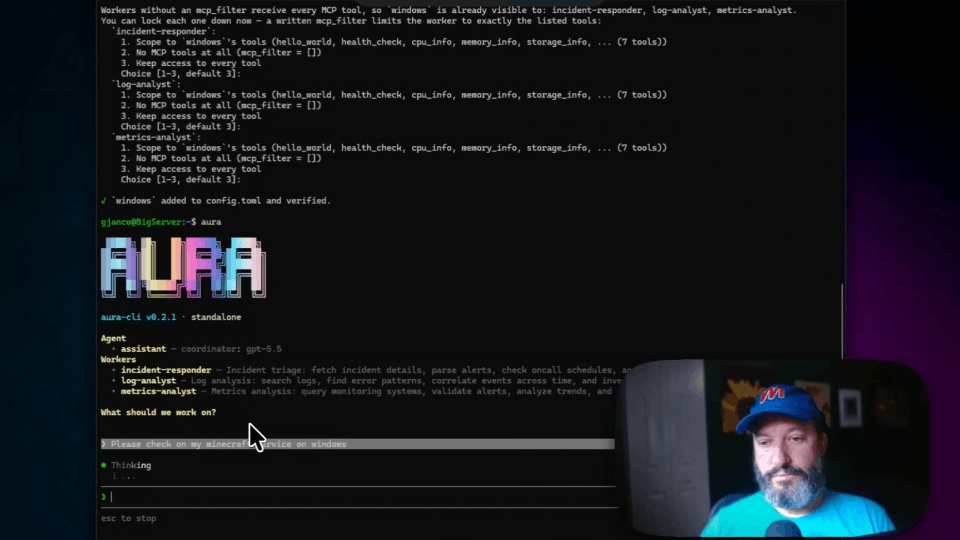
1:30 You notice I have my AURA server up here, and today we're using a CLI that is connected to the remote service. We're just going to go ahead and take a look and see what pipeline functions from Mezmo we have available via the service. So give it a second, and we'll see what it comes up with.
Listing pipeline tools and finding create_pipeline
1:49 You take a look, and you notice that we can do a lot of things. Today we actually want to create a pipeline, and if you notice, if we go back to my config here, in the config, create_pipeline requires approval, so this actually cannot run without contacting the downstream webhook that we have set up here.
Creating a pipeline that requires approval
2:19 We're just going to create a pipeline that's Mike's demo pipeline. Let's check out and see what the first attempt is like if I don't forward my credentials.
Approving with a made-up key
2:52 Notice that we have approval requested. Let's check out our UI. We've got something going in here. So this is the shape, talking about schema earlier, this is the shape of things that get sent through. Pretty straightforward, telling us exactly what it wants to create, and it's blocking, waiting for us. We're just going to make up a key for right now. We'll see if that actually works.
The downstream service denies the call
3:23 So it's showing that we approve the tool, which is technically correct. We did approve it. However, due to identity and header forwarding that we've configured for human in the loop, the downstream service is actually what denied it. So we're unable to do that.
Approving again with a real key
3:38 So let's go ahead and try it again. This time we're going to use a real key, and that key will enable me as the approver to take responsibility for what happens downstream in the rest of our services. Approval requested again. We got another one. This time, let's use a real key and approve as me. See what happens. Header forwarding worked. We were able to say that me as the approver did approve the request, but we were also able to track the downstream ramifications of it by forwarding my personal token identity all the way downstream.
Permissions options and where to get AURA
4:26 There's a lot of fun and interesting things that you can set up permissions-wise for this. We aim at AURA to be very flexible for integrating into your own systems, and header forwarding is one of the ways that we aim to please. So again, feel free to check us out on GitHub. We're Mezmo AURA.
More videos